 Arcade Games
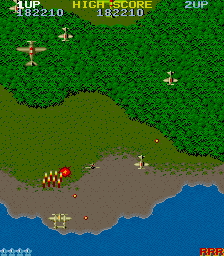
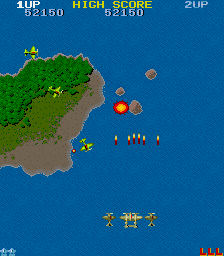
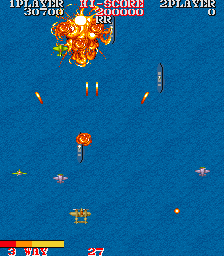
![1943: The Battle of Midway (bootleg set 2, hack of Japan set) [Bootleg]](https://img.crazygames-poki.com/70485590ab4dd5efaad3f5b1ffa51446.png)
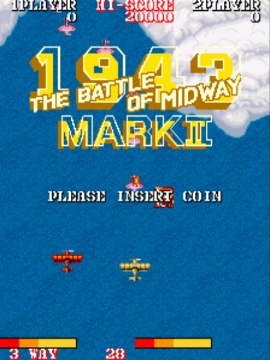
![1945 Part 2 (Battle Garaga hack) [Hack]](https://img.crazygames-poki.com/551ef13684777d0ee94d9c0c2301b85a.png)

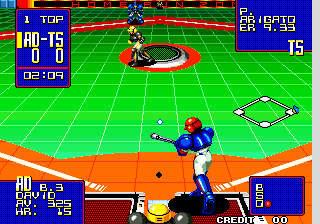
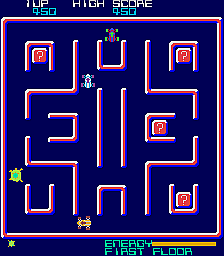
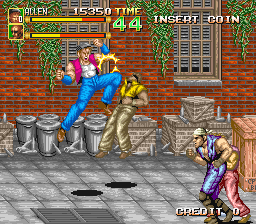
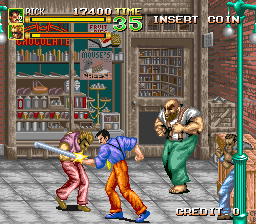
![A.D. 2083 [Incomplete Sound]](https://img.crazygames-poki.com/4a34dc9320fae4755742aae6e427d04d.png)
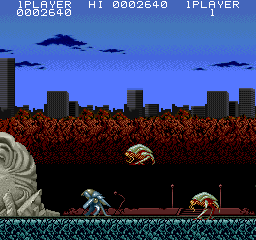
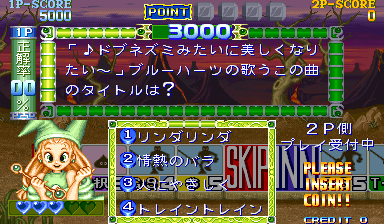
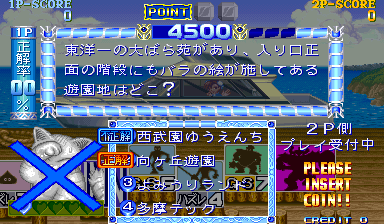
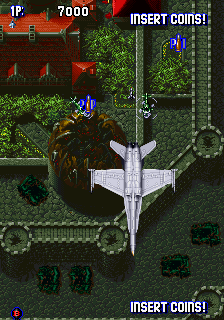

![Agent Super Bond (scobra hardware) [Bad Colours]](https://img.crazygames-poki.com/02adef1ac273fc5a8dc4752c227f598b.png)

![Air Buster: Trouble Specialty Raid Unit (bootleg) [Bootleg]](https://img.crazygames-poki.com/eb1845ceac7c6ced395f713fc6cfb67b.png)
What is Tetro Classic?
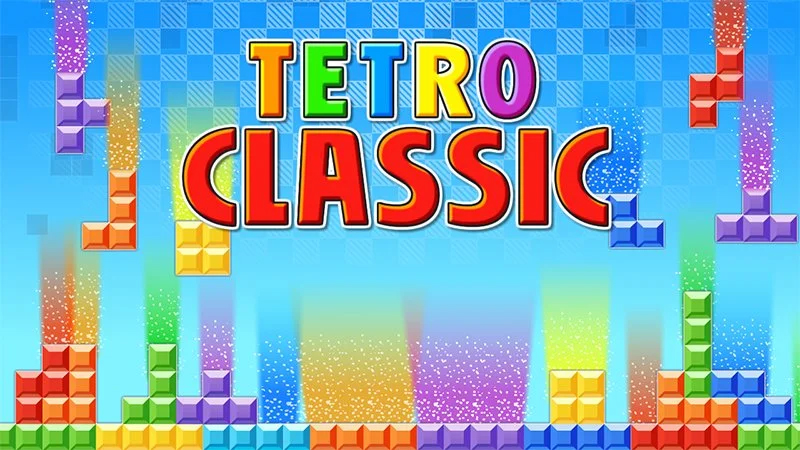
Tetro Classic is the quintessential pixelated puzzle game that has attracted players for decades. This is the digital version of the old Tetris, where you stack and rotate falling geometric blocks to make full horizontal lines. As lines are cleared with each level, the game speeds up, putting your reflex and strategy to the test. Such a simple game would be hard not to get addicted to! Tetro Classic is a complete must for quick exercise of the mental muscles or just a fun way to spend time.
How to Play
These are the basic controls:
- Use the left and right arrow keys on your keyboard to move a falling block to the left or right.
- Press the up arrow key to rotate the blocks clockwise.
- Use the down arrow key to let the blocks drop faster.
When you are playing on a mobile device, on-screen buttons are usually provided to perform these actions. The aim of the game is to efficiently stack the blocks so that you can clear as many lines as possible before the blocks get piled up to the top of the screen, ending the game.
Tips & Tricks
- Plan Ahead: Always think two or three moves ahead. Knowing where the next block will land can help you avoid getting stuck.
- Clear Lines Strategically: Clearing multiple lines at once gives you more points and can create a cleaner board, making it easier to manage.
- Use the Wall Kick: When a block can't rotate into its desired position, try moving it left or right to make space for the rotation.
- Don't Get Stuck: If you find yourself in a tight spot, don't be afraid to start a new game. It's better than waiting indefinitely for a good block to fall.
History
Tetris, the game that inspired Tetro Classic, was created by Alexey Pajitnov in 1984 while he was working at the Dorodnitsyn Computing Centre of the Soviet Academy of Sciences in Moscow. The name of the game is a mixture of "tetromino," for the shapes that are used, and "tennis," which was Pajitnov's favorite sport. Over the years, there have been numerous adaptations and variations of Tetris, with Tetro Classic being a simple rendition of the original.
Unblocked Play
If you are at school or work and cannot access Tetro Classic online, you are suddenly into the unblocked version of the game. Some sites offer it free and unblocked; however, it is wiser to just check local policies before opting to search for one. Games can be an excellent way for you to take a break, so be sure to engage responsibly.
Game Developer
Tetro Classic was developed by Zygomatic, a known developer of classic arcade-style games. Zygomatic's founders are deeply passionate about nostalgic gameplay and seem to think it is of paramount importance that their game's essence accurately captures what the original games were truly all about, but at the same time, it has to have a smooth modern-day interface.
Game Platforms
Tetro Classic supports numerous platforms, so players from all walks of life can get their fill of fun:
- Web browsers on desktop and mobile devices
- Mobile apps for iOS and Android
- Potentially available for some consoles and PC
How to Play Unblocked
Here are some tips you'd want to apply when trying to play Tetro Classic at school or work:
- Use a : This way, you will be able to access those games that are normally blocked by your network.
- Web-Based Games: Look for web-based versions of the game that might not be filtered by your network's security settings.
- Ask for Permission: If you're unsure, it's always best to ask a teacher or IT professional if you can play the game.
Frequently Asked Questions
Q: Is Tetro Classic free to play?
A: Generally, yes, Tetro Classic would be free to play on any platform.
Q: Can I save my score?
A: Yes, there is a leaderboard from which you can publish your score for others to see.
Q: Are there different modes in Tetro Classic?
A: The classic mode is the main mode, but some versions may also offer other modes or challenges.
Have fun!
Play Tetro Classic on your Mobile

Span the QR Code with your mobile device camera to play Tetro Classic
You can enjoy this game on mobile and tablet(such as iPhone, IPad, and Android device)